
Free · macOS · Apple Silicon
Bedrova is coming soon.
Every kind of AI model, running locally on your Mac. No account, no telemetry, no cloud. Builds aren't public yet, so here's exactly what's coming and how to hear about it first.
Direct download
A notarized disk image. Drag to Applications and open.
Homebrew
brew install --cask bedrova The cask goes live with the first public build.
Neither is live yet. Join the Discord and you'll hear the moment builds go out.
What you're installing
- Notarized and signed by ideius — no Gatekeeper warnings
- No telemetry — your chats, models and files never leave your Mac
- Every network call published — verify it yourself
- On-device inference, all of it — chat, image, video, voice, vision, perception, embeddings
System requirements
- Apple Silicon — M1, M2, M3 or M4 (Intel Macs aren't supported).
- macOS 14 or later — Sonoma and newer.
- 16 GB or more recommended — 8 GB runs small chat, voice and embedding models. 32 GB unlocks video.
- Free disk space — Models are downloaded separately, sized to your picks.
First launch
It takes about three minutes from open to your first chat.
- Open it. If macOS hesitates on a fresh download, right-click Bedrova → Open. (One time only.)
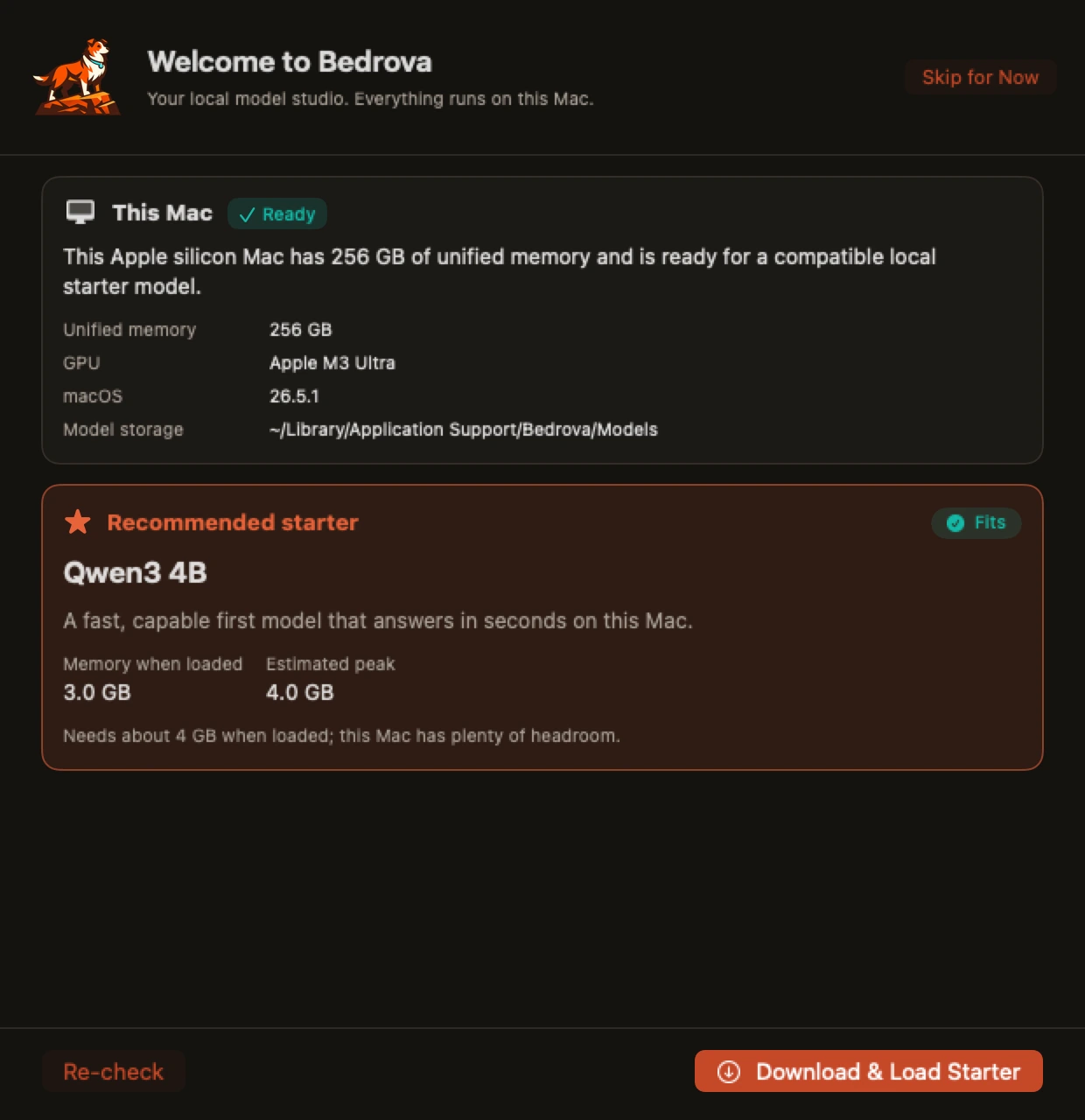
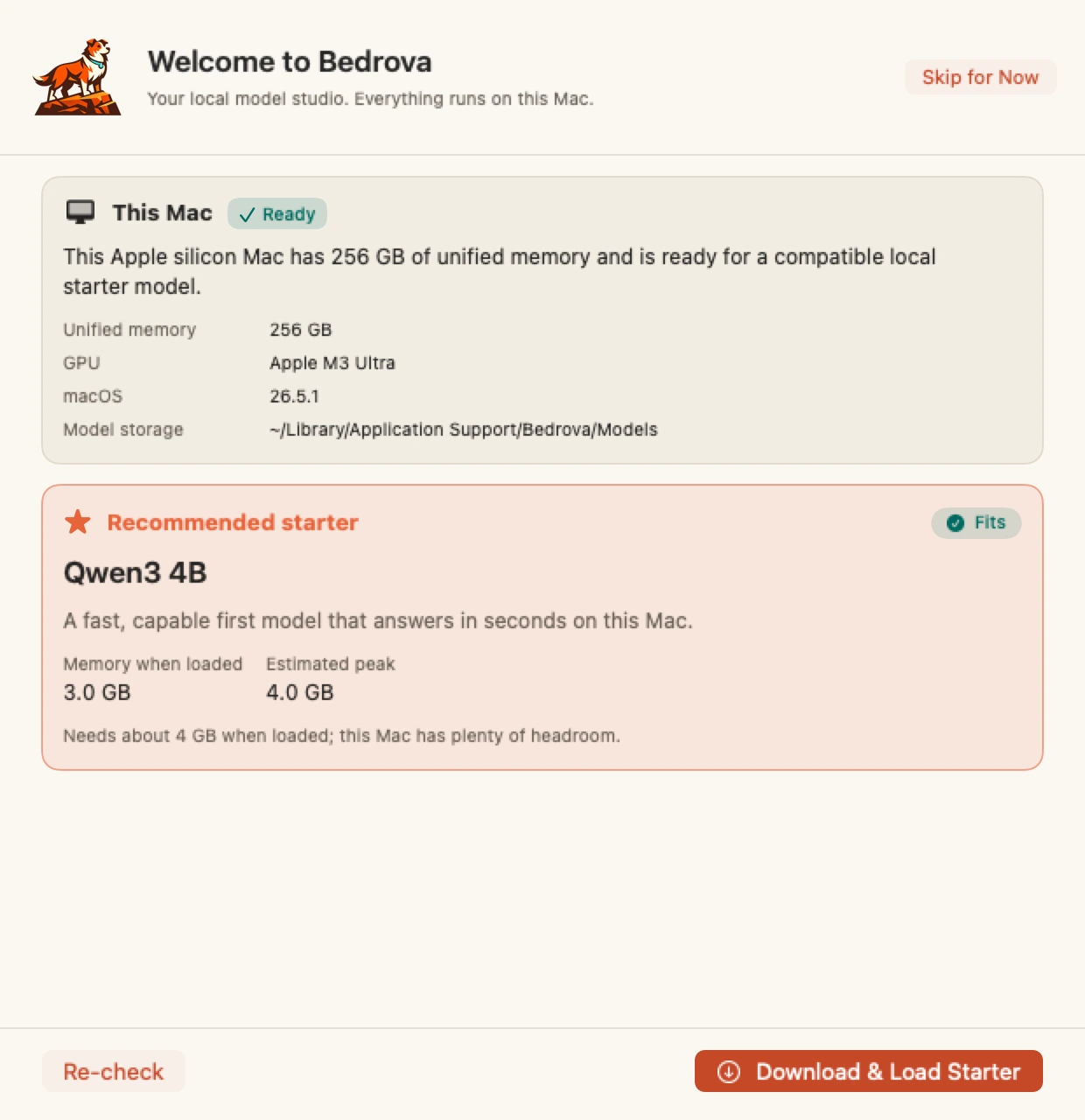
- Let it detect your Mac. Bedrova reads your chip and memory and recommends a model that fits.
- Fetch and chat. One click downloads and verifies the model. Then start typing.
What's in the first release
The complete workbench. Here are the headlines.
- The Loom: one conversation across text, vision, voice and image models at once
- Local DeepSeek V4 Flash plus the latest open models (Qwen, Gemma, Llama, MiniMax M2)
- Image generation (FLUX.1, FLUX.2 Klein, Qwen Image and more) and text- and image-to-video
- Voice in and out (Whisper transcription, natural speech), vision, embeddings and local document chat
- Core ML perception: OCR, detection, segmentation, depth and pose
- One local OpenAI- and Anthropic-compatible API, with models running side by side
- Always-on and just-in-time loading, RAM budgeted across models, pre-load fit-checks
- GGUF text compatibility alongside the MLX flagship path
- LM-Studio-grade settings, diagnostics, and signed, notarized updates
Full notes publish to Releases. Not sure it'll run? Check what your Mac can run →
FAQ
Does it run on Intel Macs?
No. Bedrova is MLX-first and native to Apple Silicon (M1 through M4), and it needs macOS 14 or later.
Does it work offline?
Yes. Once a model is downloaded, everything runs offline. The only network calls are model downloads, optional update checks, and analytics if you turn them on. There's also an Offline Mode that blocks outbound traffic outright while local work keeps running.
How do updates work?
Through Sparkle, with Ed25519-signed builds. You control auto-update in Settings, and it's off until you enable it. Runtime packs update separately with signed manifests and rollback.
Can I put models on an external drive?
Yes. Point the model directory at your drive. Bedrova handles disconnects and repairs paths when the drive comes back.
What can my Mac actually run?
An 8 GB Mac runs small chat models, embeddings and voice comfortably. 16 GB opens up image generation and vision. 32 GB and up gets you video generation and larger reasoning models. The compatibility page breaks it down by RAM tier.
Is it really free?
Yes, free forever. Bedrova is made by ideius as the way into our wider tools.